What Does a Useful AI Dashboard Show That ChatGPT Alone Cannot?
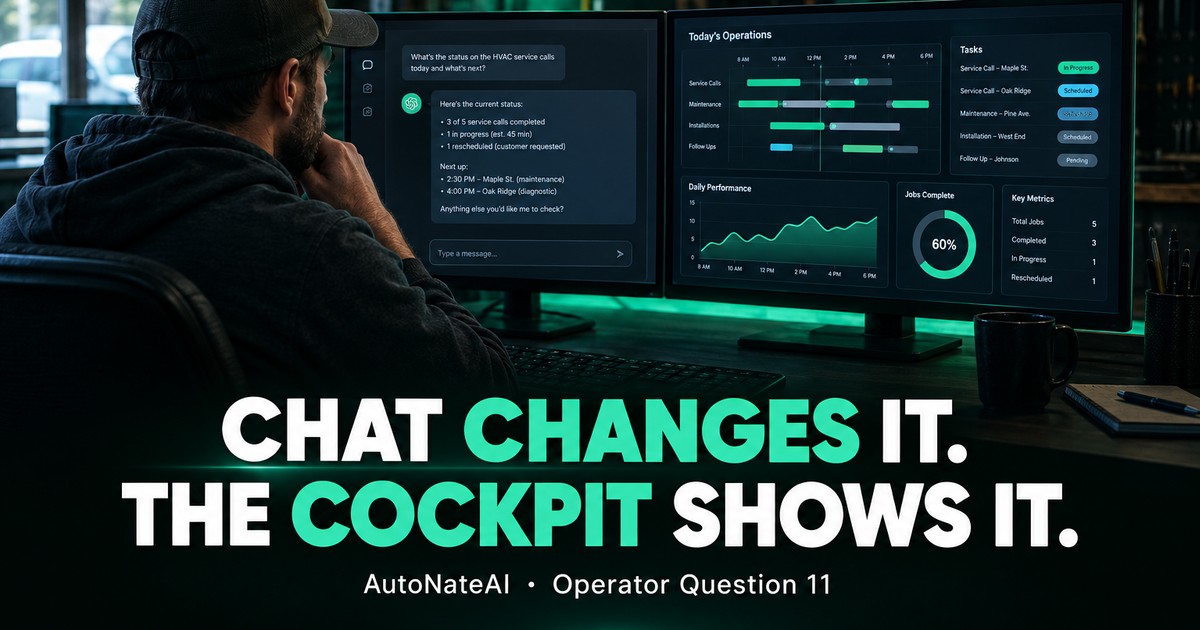
Chat is great for changing the business and a keyhole for seeing it. A cockpit shows state at a glance, including what your AI just did, so you catch what you didn't know to ask.
Short Answer
A dashboard shows state. Chat shows a moment. ChatGPT and Claude are excellent at changing your business: logging a call, drafting a follow-up, reasoning through a decision. But a chat window is a keyhole. It shows a few lines at a time, it scrolls away, and it only answers what you think to ask. A good cockpit shows the whole operation at once: what's open, what's aging, what's blocked, what the AI just did. That lets you spot the thing you didn't know to ask about, and verify the work your automation is doing. Decades of human-factors research say people running complex operations need exactly that: to perceive the situation, understand it, and see where it's heading. The winning setup isn't chat or dashboard. It's chat to change it, cockpit to see it, one shared memory underneath.
"How's My Week Looking?"
Ask ChatGPT that on a Monday morning, and even if it's connected to your data, you'll get something like:
"You have 14 open tasks this week. Top priorities: the Henderson follow-up, the Oak Street proposal, and three estimates over 10 days old. You also have two site visits Thursday."
Helpful. Now try to answer these from that paragraph:
- Is Thursday overloaded, or is Wednesday?
- Which goal is furthest behind?
- Did anything new come in over the weekend that you haven't seen?
- What did your follow-up agent send on Saturday, and was it right?
- What's not on this list that should be?
You can ask each one. That's five more questions and five more scrolling answers, and the first answer has already scrolled off the screen by the time you read the fifth. And the last question is impossible, because you can't ask about something you don't know is missing.
Chat Is a Keyhole
A 2026 preprint by Mohan Reddy, "The Keyhole Effect: Why Chat Interfaces Fail at Data Analysis," names the problem well. It borrows an idea from human-factors research: the strain of trying to understand something large through a narrow viewport. It lists specific ways chat interfaces work against complex analysis:
- content keeps displacing what you just saw, so you lose track of where things were
- important state stays hidden until you ask for it
- patterns you'd see in a picture have to be read as sentences
- there's nowhere to offload your thinking onto the screen
The paper offers a simple way to reason about it: overload happens when the relevant items exceed what's visible plus what you can hold in working memory. It's a single-author preprint, so treat it as a framework, not settled science. But it formalizes something every owner feels when they try to run a week out of a chat thread.
Here's that idea applied to a typical weekly review. The numbers are illustrative:
What Human-Factors Research Says Operators Need
This isn't a new problem. People who run complex, fast-moving operations (pilots, dispatchers, plant operators) have been studied for decades. Mica Endsley's widely used model of situation awareness (Human Factors, 1995) breaks it into three levels:
- Perception: seeing what's there right now (open leads, today's jobs, who's waiting on you)
- Comprehension: understanding what it means (this estimate is old and big, and that's a problem)
- Projection: seeing where it's heading (at this rate, you miss the month's goal by $12,000)
Chat is good at comprehension when you ask the right question. It's weak at level 1 (nothing is persistently visible) and it only does level 3 on request. A cockpit is built for levels 1 and 3: everything visible, trends drawn, deadlines approaching in color.
Data-visualization pioneer Stephen Few defined a dashboard as the most important information needed to achieve your objectives, consolidated on a single screen so it can be monitored at a glance. At a glance is the key phrase. A conversation is the opposite of at-a-glance.
The Reason You Need to See What the AI Did
Here's the part people skip. The more you automate, the more you need to see.
Human-factors researchers Raja Parasuraman and Dietrich Manzey reviewed decades of studies on automation complacency and automation bias (Human Factors, 2010). Their findings:
- people tend to over-trust automated aids, especially when they're busy with other tasks
- that leads to both missed errors (not noticing what the system got wrong) and wrong actions (following bad advice)
- it happens to experts as well as beginners, and practice alone doesn't fix it
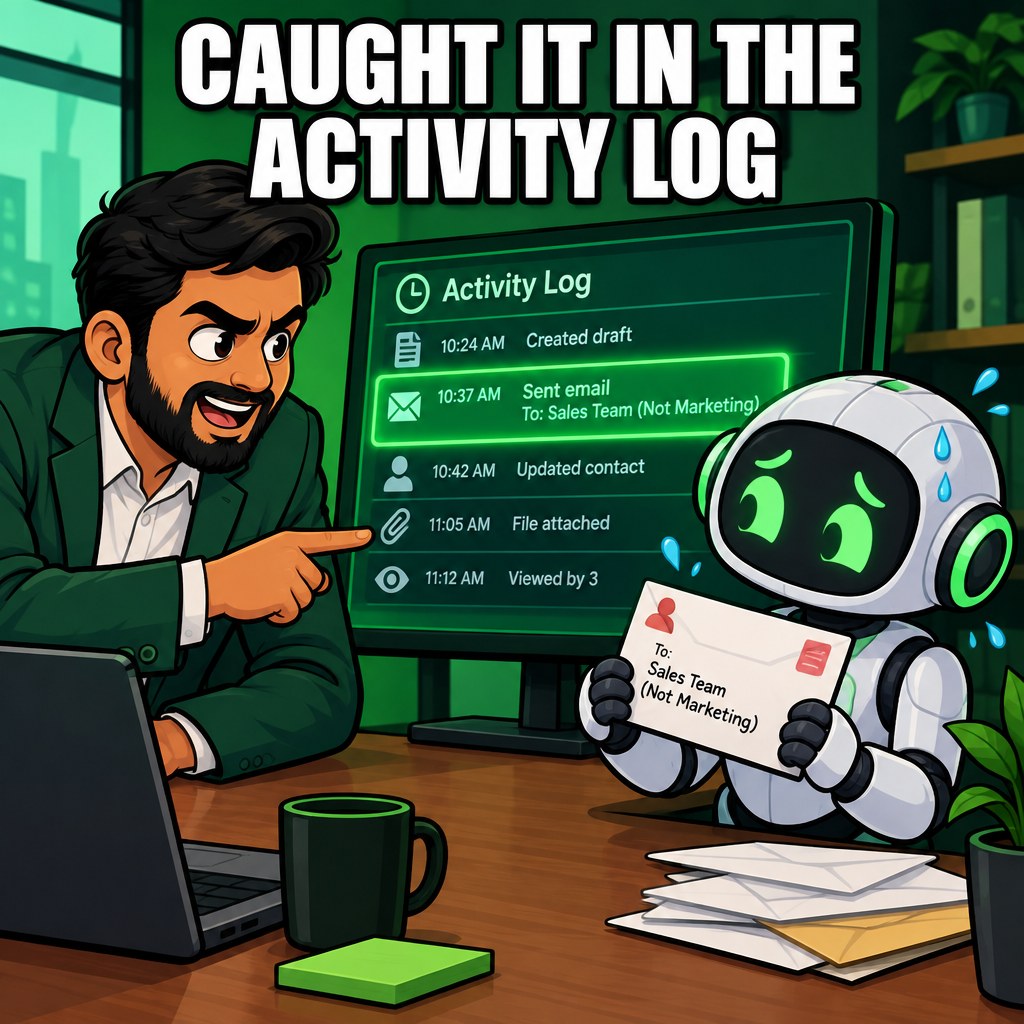
A busy owner is exactly the person the research describes. If your AI is drafting follow-ups, updating records, and ranking prospects, you need a place where you can see what it did, to whom, and why, without having to ask. In a chat-only setup, the AI's work disappears into scrollback. In a cockpit, it's a visible activity log you can scan in thirty seconds.
That's not distrust of AI. It's the same reason pilots have instruments even though the plane has an autopilot.
One Memory, Two Windows
This is the architecture that makes both work together:
open_with Drag nodes to rearrange, tap one for the evidence behind it — pinch or scroll to zoom.
The design rule: anything the AI changes, the cockpit shows, and anything the cockpit shows, you can change by talking. Neither window has information the other doesn't.
What a Useful Cockpit Actually Shows
Not vanity charts. A small-business cockpit earns its screen space by answering "what needs me right now?" Here's what AutoNateAI's own cockpit is built around:
| View | What it shows at a glance | Situation-awareness level |
|---|---|---|
| Weekly focus graph | This week's objective, the relationships in play, hours allocated per system | Perception + projection |
| Daily timebox | Today's blocks and what's in each; overloaded blocks flagged | Perception |
| Prospect queue | Ranked prospects with scores and reasons | Comprehension |
| Estimates aging | Open quotes by days old and dollar value, oldest-biggest first | Comprehension |
| Goals | Each goal's target, deadline, and progress, with the gap visible | Projection |
| Partners | Who's sending you work, and how much it's worth | Comprehension |
| Research threads | Nested notes on each prospect or client, from you, your AI, and scrapers | Comprehension |
| Activity log | Everything agents did since you last looked | Verification |
Ten seconds on that screen tells you more than ten questions in a chat, and it tells you the things you didn't know to ask.
Run Your Own Numbers
Try this test with whatever you use now, chat, spreadsheets, or your head. Time how long it takes to answer each:
| Question | Chat or memory (your time) | A good cockpit |
|---|---|---|
| What's the oldest open estimate, and how much is it worth? | ~5 sec | |
| Which day this week is overloaded? | ~5 sec | |
| Which goal is furthest behind? | ~5 sec | |
| What did any automation do since yesterday? | ~10 sec | |
| What came in that you haven't touched? | ~5 sec |
If any of those takes more than a minute, or can't be answered, that's the gap a cockpit closes. Multiply by how many times a week you'd want to check, and you'll see why most owners just stop checking.
What the Research Doesn't Tell Us
Endsley's situation-awareness model and Parasuraman and Manzey's automation-bias research come from aviation, process control, and lab studies, not small businesses. The keyhole paper is a 2026 single-author preprint proposing a framework, not an experiment, and our chart is an illustrative application of it. There's no published study comparing chat-only versus chat-plus-cockpit operation for small businesses. The case rests on well-established human-factors principles applied to a new setting.
Moral of the Story
- Keep using chat for change. Logging, drafting, and reasoning are what it's great at.
- Stop using chat as your dashboard. If you're asking the same "where are we?" questions every day, that's a screen you should be looking at, not a conversation you should be having.
- Pick your five glance questions. Write down the five things you'd want to know in the first ten seconds of your day. That's the spec for your cockpit.
- Demand an activity log from any automation. If a tool acts on your behalf and you can't see what it did, you're set up for exactly the complacency errors the research warns about.
- Want to see chat and cockpit working off one memory? Book a discovery call. We'll show you AutoNateAI's cockpit updating live as we talk to it.
Sources
- Reddy — "The Keyhole Effect: Why Chat Interfaces Fail at Data Analysis," arXiv preprint (2026)
- Endsley — "Toward a Theory of Situation Awareness in Dynamic Systems," Human Factors 37(1) (1995)
- Parasuraman & Manzey — "Complacency and Bias in Human Use of Automation: An Attentional Integration," Human Factors 52(3) (2010)
- Few, Stephen — "Dashboard Confusion," Intelligent Enterprise (2004), and Information Dashboard Design (2006)
- Cowan — "The Magical Number 4 in Short-Term Memory," Behavioral and Brain Sciences (2001)
Book a 20–30 minute discovery call.
We'll show you a live Operator OS cockpit and tell you straight whether it fits.
Related questions
 Published
Why Does Adding Another CRM Often Increase the Owner's Cognitive Load?
A CRM stores information. It doesn't carry it. Add one more tool that doesn't share memory and you've added pairs to reconcile, and the owner is still the integration layer.
 Published
What Should Happen Automatically After a New Prospect Enters Your Business?
Six things should happen automatically in the first 48 hours: capture, recognize, acknowledge, research, route, follow up. In most shops the owner does all six by hand, hours late.
 Published
Can a 5-Person Company Operate With the Information Discipline of a 50-Person Company?
Big companies pay whole teams to keep information straight. Small ones pay with the owner's evenings. AI finally makes the clerical half of that discipline affordable.
Next: Q12 — Can Your Business Become Easier to Operate as It Becomes More Complex? arrow_forward