What Should Happen Automatically After a New Prospect Enters Your Business?
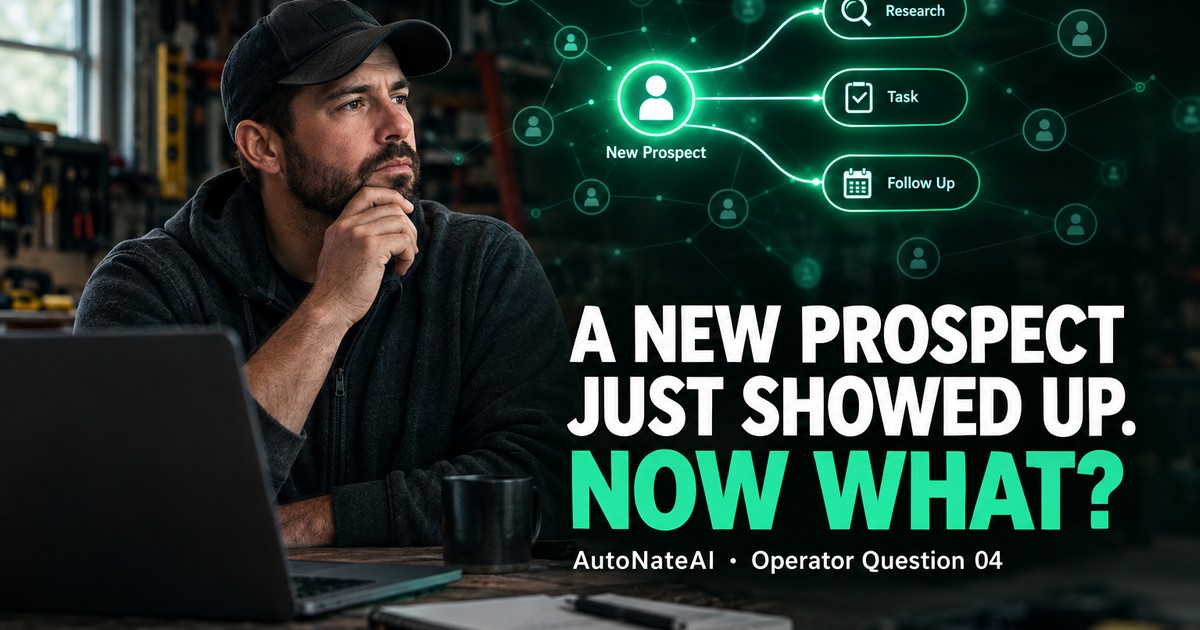
Six things should happen automatically in the first 48 hours: capture, recognize, acknowledge, research, route, follow up. In most shops the owner does all six by hand, hours late.
Short Answer
In the first 48 hours, six things should happen without you having to remember any of them:
- The prospect gets captured in one place.
- They get recognized: is this someone you already know, or someone a partner sent?
- They get acknowledged within minutes.
- They get researched before you call.
- They get routed into your calendar with a next step.
- They get followed up on a schedule instead of a mood.
Your job in all of that is judgment: price, diagnosis, the actual conversation. In most small businesses today, the owner does all six by hand, usually hours late, and usually from a truck. And since February 2025, if any of that happens by text, there are carrier and FCC rules that decide whether it even gets delivered.
A New Name Shows Up
It's 10:14 on a Wednesday morning. A text comes in: "Hi, got your number from Marcus at the supply house. Looking at a whole-home generator. Are you guys doing those?"
What happens next in most shops:
You see it at 12:40, between jobs. You think "good lead" and mean to reply after you finish up. At 4:30 you reply "Yes we do! When's good to come out?" They answer at 7 PM. You see it at 9. You forget to save the contact. Thursday you're not sure if it was the generator guy or the panel guy. Nobody told Marcus thanks. Nobody wrote down that Marcus sends you work. And the prospect has been getting quotes since Wednesday afternoon.
Nothing went wrong. No step got skipped on purpose. There just wasn't a system. There was you, doing everything, whenever you could.
The Gap Between What Buyers Expect and What Businesses Do
Customers have told researchers pretty clearly what they want. HubSpot Research found 82% of buyers rated an "immediate" response as important or very important for sales and marketing questions, and most defined immediate as 10 minutes or less. Meanwhile, the 2011 Harvard Business Review audit of 2,241 U.S. companies found only 37% responded to a web lead within an hour, and 23% never responded at all.
You'll also see "78% of customers buy from the company that responds first" everywhere. It's usually credited to a survey by a company called Lead Connect, but I couldn't find the original research anywhere public. So treat it as folklore that happens to point the right direction, not a fact to bet on.
The better-documented finding is the one from Q01: lead value decays by the hour, and conversions come from repeated touches. Both are things a system can do on time every time, and a busy owner can't.
The First 48 Hours, Designed
Here's the chain I'd build for almost any service business. Each step is either automatic, AI-drafted with owner approval, or owner-only. That line matters.
open_with Drag nodes to rearrange, tap one for the evidence behind it — pinch or scroll to zoom.
Let me walk each one, because the details are where most automation goes wrong.
1. Capture and recognize
Every channel (phone, text, web form, email, a referral you hear about in person) should end up as one record in one place. And before it's a "new lead," the system should ask: do we already know this person? It might be a past customer, a customer's neighbor, or someone a partner sent.
That last one is the most underrated step in small business. If Marcus at the supply house sent you three jobs this year, you should know that, thank him, and treat Marcus as a partner in your system. Most shops never capture the source, so they never learn who their best lead generators actually are.
2. Acknowledge within minutes
Not a pitch, just a receipt: "Got it, thanks for reaching out. This is Nate with [Company]. I'm on a job until about 2. Can I call you then about the generator?"
That buys you hours without losing the lead. It also tells the customer a real person is on it, which is most of what "immediate" means to them.
3. Research before you call
This is where AI earns its keep. Before you pick up the phone, an agent can put together what's publicly knowable:
- the property's age and size from county records
- whether the email belongs to a business, and what that business does
- their reviews of other contractors, if they've left any
- whether you've ever worked at that address
You walk into the call informed instead of starting from zero. For B2B prospects (a property manager, a general contractor), that brief might be the difference between a vendor pitch and a partnership conversation.
4. Route to a time, not a list
A lead that lands in an inbox waits. A lead that lands in Thursday 7:15–9:15, Revenue block with a proposed next step gets done. The system should put the call on your calendar in a real time block, with the brief attached.
5. The conversation stays human
Don't automate pricing promises, diagnoses, or anything where being wrong costs trust. Everything upstream exists to make this conversation happen sooner, and better informed.
6. Follow up on a schedule, not a mood
Day 2, 5, 10, 21. Each touch is drafted in context ("the generator question, and the panel concern you mentioned") and approved by you in a tap. When they book, decline, or say stop, the sequence stops on its own. No awkward "just checking in" after they already hired you.
The Part Nobody Mentions: Texting Has Rules Now
If your acknowledgments and follow-ups go out by text (and in the trades, they should, because that's where customers answer), three things changed recently that most small businesses haven't caught up on:
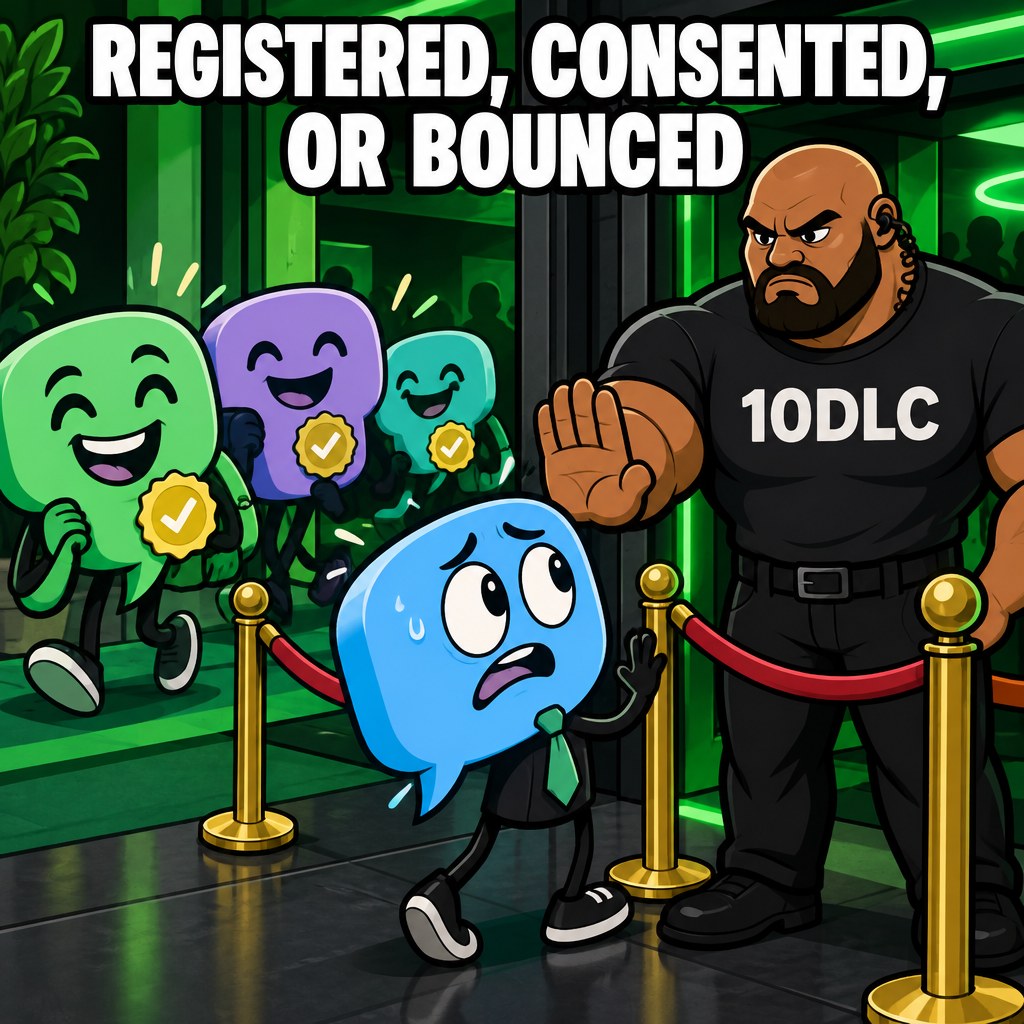
- Unregistered business texting is blocked. Since February 1, 2025, major U.S. carriers block unregistered application-to-person (A2P) traffic on standard 10-digit numbers. If your texts come from software rather than your personal thumbs, the number needs A2P 10DLC registration through The Campaign Registry. Registration usually takes days, not months. But unregistered messages just silently don't arrive.
- Opt-outs have to be honored broadly and fast. Under FCC rules effective April 11, 2025, people can revoke consent "in any reasonable manner": replying STOP, QUIT, or CANCEL, or even just saying so in an email or voicemail. You have to honor it within 10 business days. You may send one clarifying message within five minutes, with no marketing in it.
- The "one-to-one consent" rule never took effect. On January 24, 2025, the Eleventh Circuit vacated the FCC's one-to-one consent requirement one business day before it would have kicked in, and the FCC didn't appeal. That's a relief for businesses buying leads. But the underlying rule still stands: automated marketing texts need clear prior consent.
This isn't legal advice, and I'm not your lawyer. But it's exactly why "just set up an auto-texter" is bad advice. The automation has to know who consented to what, and it has to stop instantly when someone says stop. That's a memory problem, and it's why the capture step comes first.
What Changes When It's an Operating System
A lot of tools do pieces of this: auto-reply apps, schedulers, CRMs, texting platforms. The problem is the same one from Q03. Each piece keeps its own partial memory, and you become the glue.
In an Operator OS, all six steps read from and write to one relationship graph: organizations, people, relationships, touchpoints, tasks. So:
- the acknowledgment knows whether this person opted out last year
- the research brief attaches to the person, not to a random note
- the referral credit goes to Marcus's partner profile, so at year end you can see he sent you $38,000 in work
- the follow-up stops the moment the job is booked, because the booking is in the same memory
- and you can ask your AI, in plain English, "who came in this week that I haven't talked to yet?" and get a real answer

Run Your Own Numbers
Here's a model of owner time per new prospect. My assumptions are in the middle column. Replace them with yours.
| Step | Minutes by hand (assumption) | Minutes with the system |
|---|---|---|
| Notice it, save the contact, figure out who it is | 4 | 0 (automatic) |
| Write and send an acknowledgment | 2 | 0.5 (approve) |
| Look them up / figure out the property | 6 | 1 (read the brief) |
| Find a time, schedule, set a reminder | 4 | 0.5 (approve) |
| Set up and remember follow-ups | 4 | 1 (approve drafts over time) |
| Admin minutes per prospect | 20 | 3 |
At 40 new prospects a month, that's about 13 hours of admin by hand versus about 2 hours with the system. That's 11 hours a month back, before you count a single additional job won from being faster. And the hand-done version is the best case, the version where you remembered every step.
What the Research Doesn't Tell Us
The response-time research is mostly about web leads and sales teams, and it's 10 to 15 years old. The HubSpot expectations figure comes from a vendor survey. There's no public study measuring how an automated first-48-hours chain changes close rates for small service businesses specifically. The time-per-prospect table is a model. The texting rules are summarized from law-firm and industry sources as of September 2026, and they change, so check with your provider.
Moral of the Story
- Write your first-48-hours list tonight. Six lines: capture, recognize, acknowledge, research, route, follow up. Next to each, write who does it today. If every line says "me, when I get to it," you found the bottleneck.
- Set up a two-sentence acknowledgment you can send in ten seconds from the job site. Even manually, it buys you hours.
- Start recording lead source on every job, starting today. In 90 days you'll know which partner, supply house, or neighbor is actually feeding your business, and you can go thank them.
- If you text customers from software, check your 10DLC registration with your provider this week. If your messages aren't registered, some of them aren't arriving.
- Want the whole chain running on its own? That's what the Operator OS discovery call is for. We'll map how new names enter your business today and what the first 48 hours could look like.
Sources
- Harvard Business Review — "The Short Life of Online Sales Leads" (2011)
- Small Business Trends — "82% of Consumers Expect Immediate Response on Sales or Marketing Questions" (HubSpot Research)
- Velocify — "The Ultimate Contact Strategy" (c. 2013)
- Bryan Cave Leighton Paisner — "The TCPA's New Opt-Out Rules Take Effect on April 11, 2025"
- Wiley — "11th Circuit Vacates FCC's One-to-One TCPA Consent Rule" (2025)
- Twilio — Programmable Messaging and A2P 10DLC
- MessageDesk — What Is A2P 10DLC? Registration & Compliance Guide
Book a 20–30 minute discovery call.
We'll show you a live Operator OS cockpit and tell you straight whether it fits.
Related questions
 Published
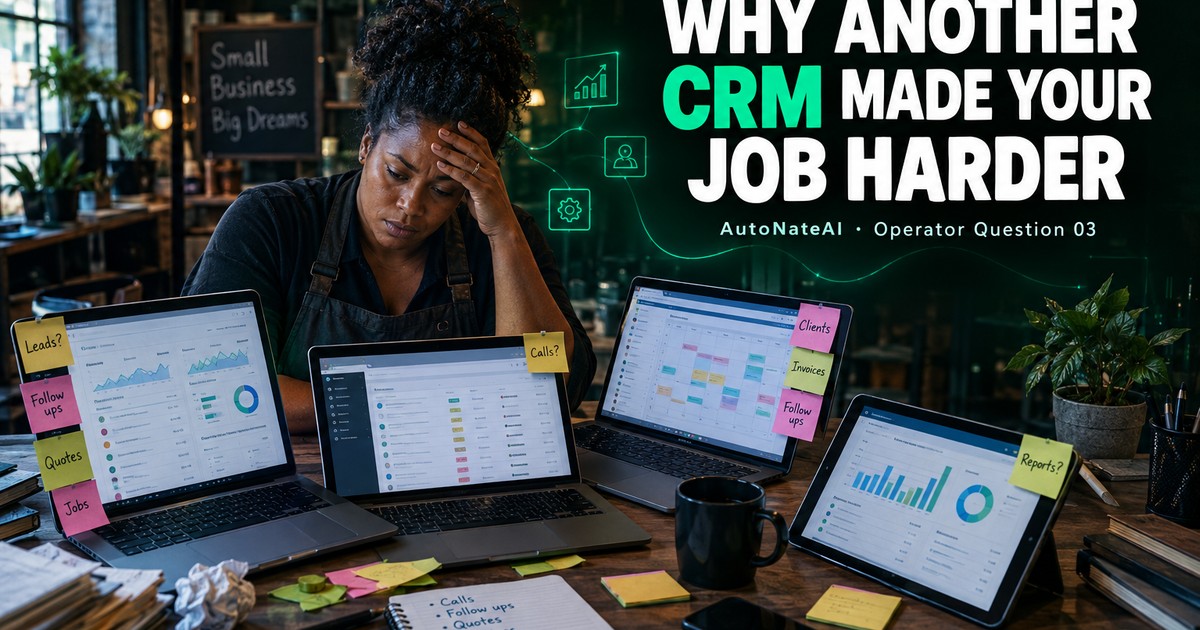
Why Does Adding Another CRM Often Increase the Owner's Cognitive Load?
A CRM stores information. It doesn't carry it. Add one more tool that doesn't share memory and you've added pairs to reconcile, and the owner is still the integration layer.
 Published
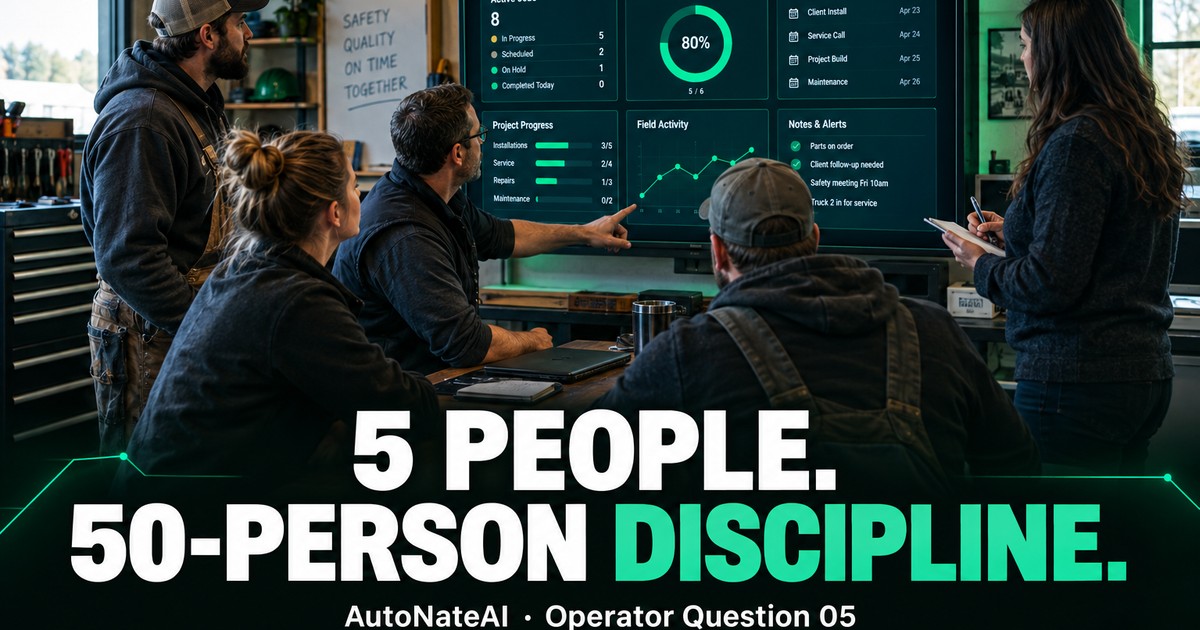
Can a 5-Person Company Operate With the Information Discipline of a 50-Person Company?
Big companies pay whole teams to keep information straight. Small ones pay with the owner's evenings. AI finally makes the clerical half of that discipline affordable.
 Published
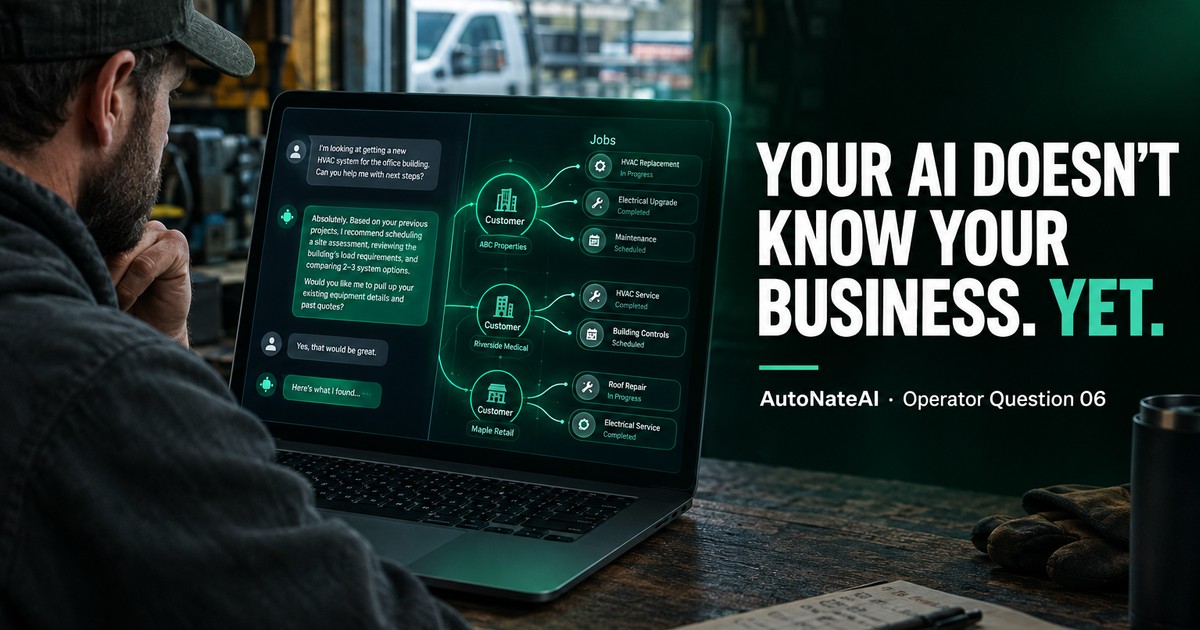
What Information Should Your AI Know Before It Recommends Your Next Sales Action?
ChatGPT gives confident advice about a business it has never seen. Seven layers of context turn a generic answer into a real sales recommendation.