Live Workshop

Vibe Coding for Production

Engineering Discipline in the Age of AI. A 4-hour live workshop that teaches you the M.A.P.P.E.R. framework for making safe, verified changes to production codebases with AI assistance.

Book Your Spot
Saturdays 10AM - 2PM $450 per seat 75 students max 4 hours live & hands-on
What You'll Walk Away With

Six Outcomes That Change How You Ship Code

1 Code navigation
🧭

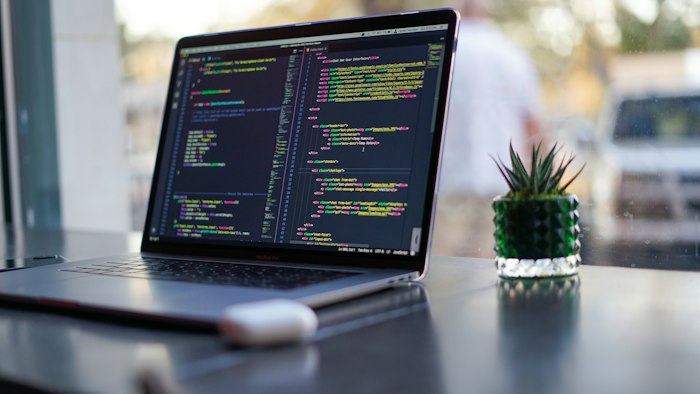
Navigate any codebase manually using VS Code's built-in tools — before asking AI for help

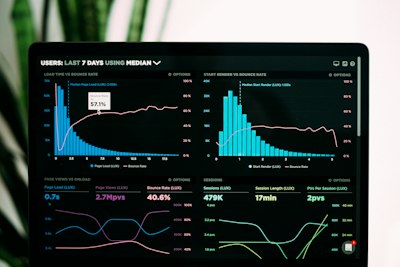
2 Data analysis dashboard
💥

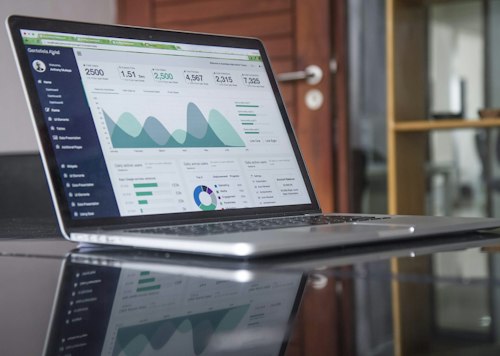
Estimate blast radius and classify changes before touching a single line of code

3 AI and code matrix
📝

Write structured prompts that give AI the architectural context it needs to produce usable code

4 Git diff review

🔍

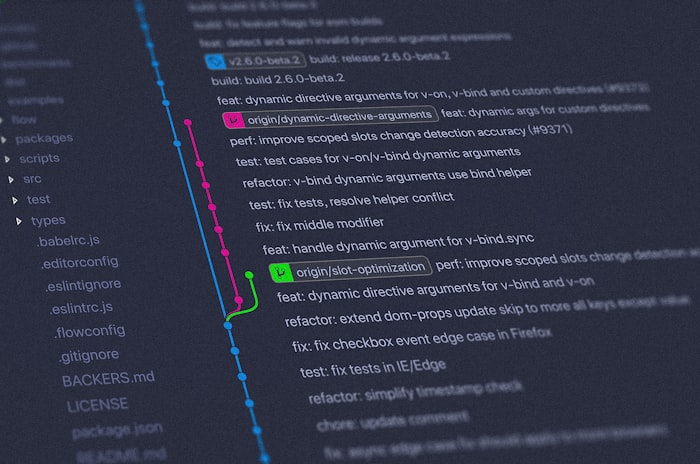
Visually verify every AI-generated change using Fork's diff and staging tools

5 Clean code workflow
Build a repeatable, closed-loop workflow from problem definition to clean commit

6 System architecture

🏗

Think like an architect: understand contracts, boundaries, and dependency chains in any system

Full Curriculum

4 Hours, 4 Modules, 1 Complete Workflow

0 / 7 explored
M1
10:00 AM - 10:30 AM

Problem Framing & Entry Strategy

+
Problem analysis and strategy planning

Before you touch the code, you need to understand the change. This module teaches you to classify changes, estimate risk, and find the right entry point.

  • The Change Classification Matrix (cosmetic, behavioral, structural, cross-cutting)
  • Blast radius estimation: how far does this change ripple?
  • Identifying entry points and contract boundaries
M2
10:30 AM - 11:15 AM

Manual Mapping with VS Code

+
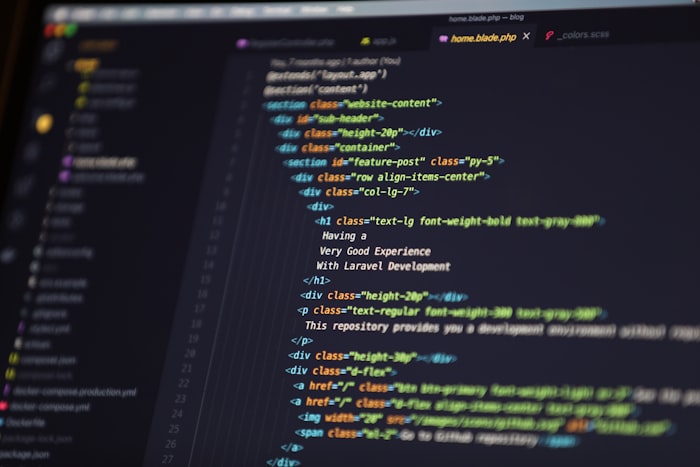
Dark IDE with code on laptop screen

Learn to navigate real codebases using VS Code's built-in intelligence — without relying on AI to tell you where things are.

  • Peek References: who calls this? who depends on this?
  • Call Hierarchy: trace execution paths through the system
  • Outline view: understand file structure at a glance
  • Building a mental map of the architecture
11:15 AM - 11:25 AM

Break

M3
11:25 AM - 12:15 PM

Prompting with Architectural Context

+
Terminal command line interface

Now the AI enters. But not blindly. You'll learn to give Claude Code the context it needs to produce safe, scoped changes.

  • Structured prompts: scope, constraints, dependencies, and expected behavior
  • Why "rewrite this file" is always wrong
  • Feeding architectural context from your manual mapping
  • Iterating on AI output with surgical precision
M4
12:15 PM - 1:00 PM

Fork — Visual Verification & AI Code Review

+
Git branching and version control flow

Every change gets verified visually before it ships. Fork is your safety net and your proof that you understand what happened.

  • Reading diffs like a senior engineer
  • Staging hunks and lines for atomic commits
  • Using the diff as an AI code review input
  • Crafting commit messages that tell the story of the change
🎯
1:00 PM - 1:40 PM

Final Integration Simulation

+
Pair programming at a workstation

Put it all together. You'll work through a complete production change from start to finish — problem framing, mapping, prompting, verifying, and committing — using the full M.A.P.P.E.R. workflow.

💡
1:40 PM - 2:00 PM

Debrief & Cognitive Upgrade

+
Team whiteboard discussion and reflection

Reflect on what changed in how you think about code. Review the framework, discuss real-world application, and walk away with a system you can use tomorrow.

Your Toolkit

Three Tools, One Workflow

Each tool plays a specific role in the production loop. You'll learn exactly when and why to use each one.

Data flow visualization on screen
1
Map
Navigate the codebase manually and understand the architecture
AI prompting interface
2
Prompt
Give AI the architectural context for safe, scoped changes
Checklist and verification process
3
Verify
Review every diff visually before it ships to production
Colorful code on dark screen
💻

VS Code

Your navigation layer. Peek References, Call Hierarchy, and Outline view give you the architectural understanding AI can't.

AI abstract
🤖

Claude Code

Your AI collaborator. With the right architectural context, it produces scoped, safe changes — not random rewrites.

Git branching and code diff review
🌿

Fork

Your verification layer. Visual diffs, hunk staging, and atomic commits ensure nothing ships that you haven't reviewed.

Who Should Attend

Built for Developers Who Ship

Developers collaborating

This workshop is for developers who are already using AI tools but want to do it responsibly. You've seen AI generate impressive code — but you've also seen it hallucinate, break contracts, and create changes you can't explain.

Whether you're a junior developer building confidence or a senior engineer refining your AI workflow, this workshop gives you a structured, repeatable system for production-quality AI-assisted development.

You should be comfortable reading code and using a terminal. The workshop focuses on workflow and discipline, not syntax basics.

Junior Devs Mid-Level Senior Engineers Tech Leads AI Enthusiasts
Take-Home Materials

What You Take Home

Tech abstract with circuit patterns
📋

Blast Radius Checklist

A step-by-step checklist for estimating the impact of any change before you make it.

Person typing on laptop keyboard
📝

Prompt Framework Template

The structured prompt template used in the workshop — ready to paste into Claude Code.

Network infrastructure and architecture
🗺

Architecture Mapping Template

A reusable template for documenting codebase structure, contracts, and dependency chains.

Clean minimal workspace with laptop

Production Change Preflight Checklist

The final verification checklist — run this before every commit to catch issues early.

Team working on computers at desk
📂

Demo Repository Access

Access to the workshop demo repo so you can practice the full M.A.P.P.E.R. workflow on your own.

FAQ

Frequently Asked Questions

What experience level do I need?

You should be comfortable reading code and using a terminal. This workshop focuses on workflow discipline, not learning to code from scratch. Intermediate to advanced developers will get the most value.

Will there be a recording?

No. This is a live, interactive session. The value comes from real-time participation, hands-on exercises, and direct instructor interaction. That's also why we cap it at 75 students.

What do I need to install before the workshop?

VS Code, Claude Code (CLI), and Fork (Git client). We'll send setup instructions a few days before the session to make sure everyone is ready to go.

Is this about a specific programming language?

No. The M.A.P.P.E.R. framework is language-agnostic. The principles of codebase navigation, architectural context, and visual verification apply to any tech stack.

What's the refund policy?

Full refund up to 48 hours before the workshop. After that, you can transfer your seat to someone else. Contact us at the email on your booking confirmation.

Do I need a Claude Code subscription?

You'll need access to Claude Code for the hands-on exercises. A free trial or any active plan works. We'll share details in the pre-workshop setup email.

Limited to 75 seats per session

Ready to Level Up?

75 seats, one Saturday, and a framework that changes how you work with AI forever.

Book Your Spot
Review the full curriculum →